
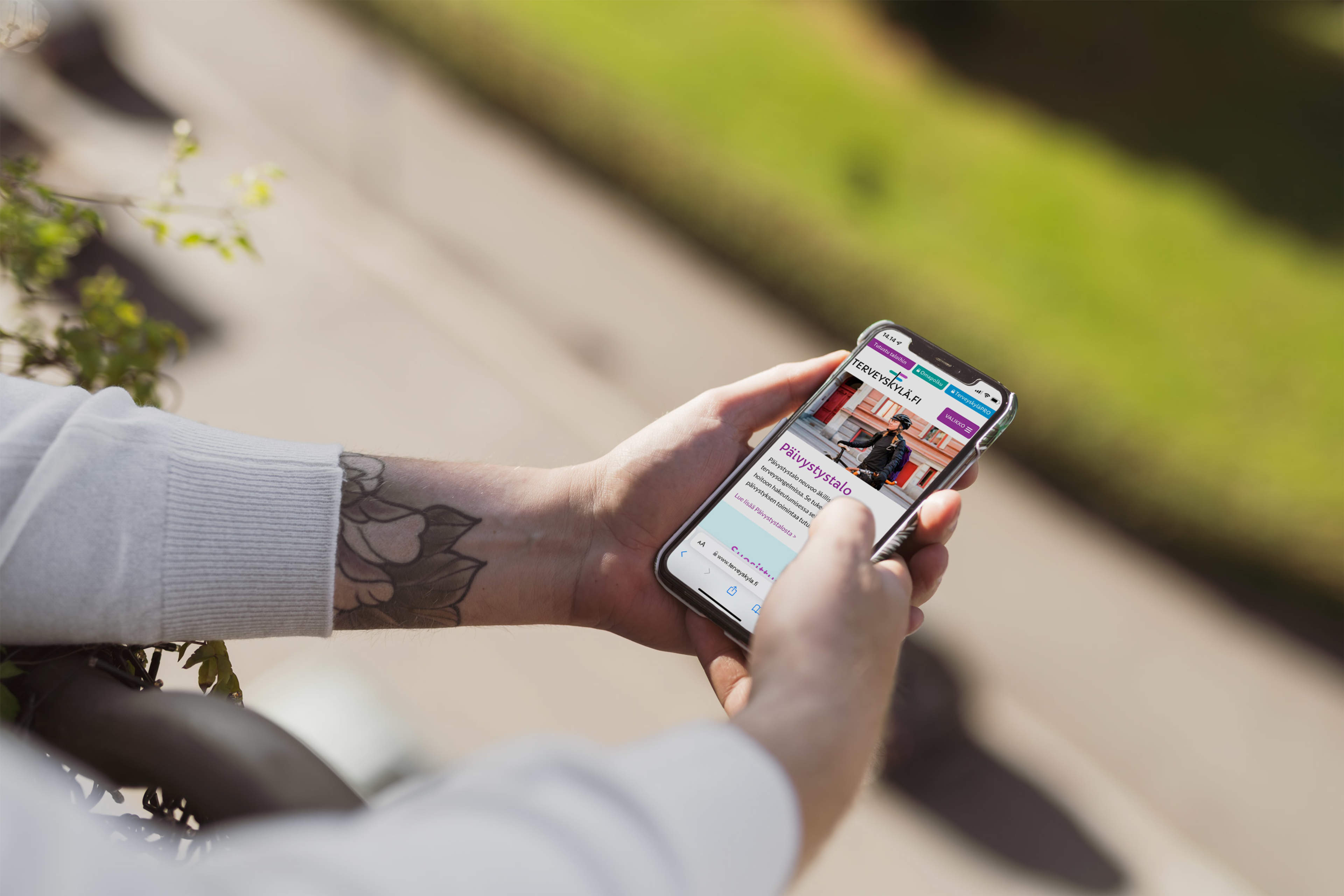
HealthVillage hubs are open to everyone. You do not need to log in or install any additional software to access the content.
Browser
HealthVillage hubs work with all commonly used, up-to-date web browsers, including Microsoft Edge, Google Chrome, Mozilla Firefox and Safari.
We recommend using the latest version of your browser to ensure the best possible performance, security and accessibility.
Please note that Internet Explorer is no longer considered an up-to-date browser, and we cannot guarantee that the service will work properly when using it.
Internet connection
A working internet connection is required to use Health Village houses. A standard internet connection is sufficient for reading text content on the website.
Watching videos and using other media content smoothly may require a faster and more stable internet connection.
Mobile devices
HealthVillage hubs can also be accessed using mobile phones and tablets. The website automatically adapts to different screen sizes, allowing you to browse the content without installing a separate mobile application.
We recommend keeping your device's operating system and web browser up to date.
Videos and other media content
In addition to text, HealthVillage hubs contain videos, images and other interactive content.
To watch videos, you need a browser that supports commonly used web video formats. No additional plugins or software are normally required.
If a video or other content does not load, try refreshing the page or opening it in another up-to-date browser.